











Automate your customer service. Sign up free

FAQ chatbot template

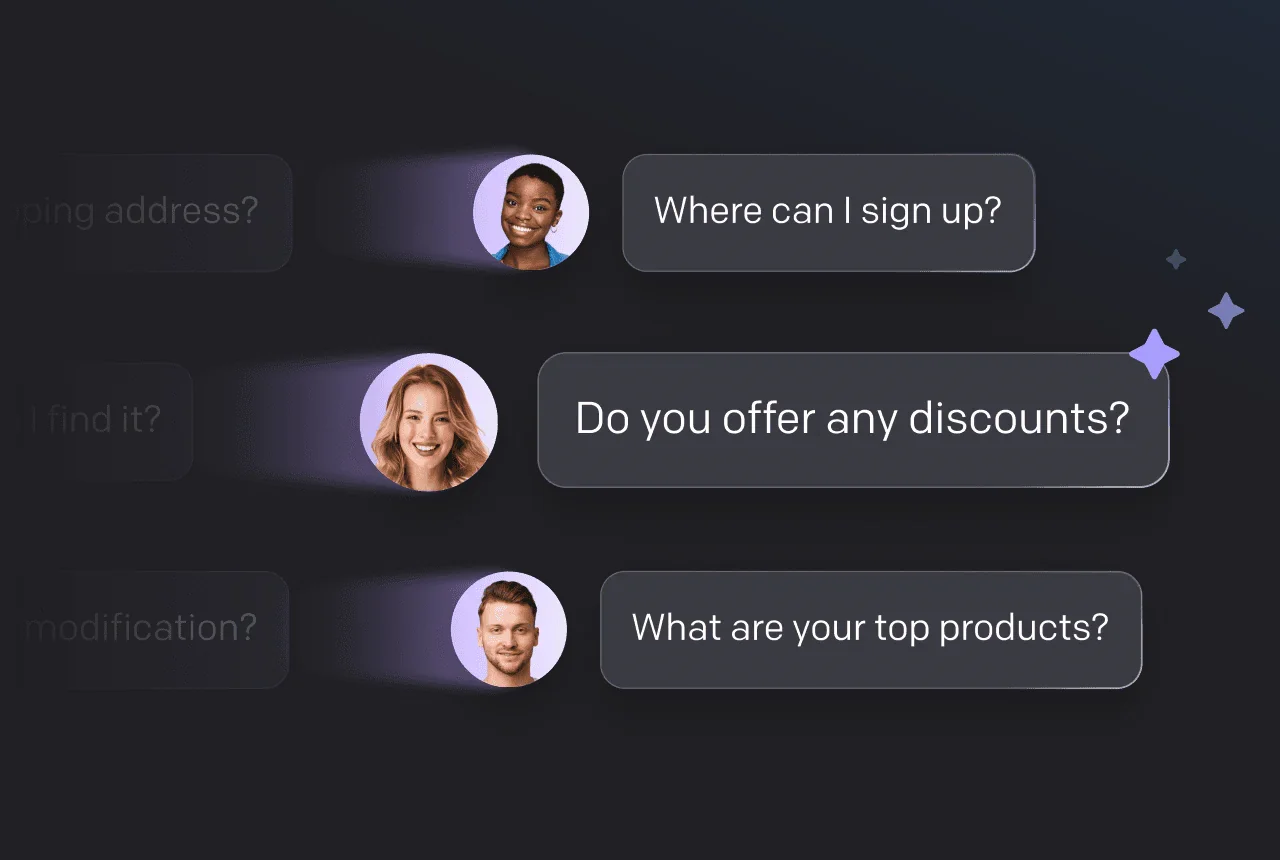
Answer repeat questions from approved content. Use this free script to give a clear answer with a source link, ask one clarifying question when needed, and send the rest to your team.

  • Free 14-day trial
  • No credit card required

Example FAQ Answers conversation:

  1. Customer: I can't get into my account. Can you help?
  2. AI agent: Are you seeing an error after signing in, or do you need to reset your password?
  3. Customer: I need to reset the password.
  4. AI agent: Select “Forgot password?” on the sign-in page, enter your account email, and follow the reset link we send you. You can find the steps in our account-help article at [Account-help URL].
  5. Customer: Can you change the email on my account, too?
  6. AI agent: Our support team needs to help with that account change. Please contact [Support contact]. Don't send your password or security codes.

Join 35,000 brands that run their customer conversations with Text

PayPalIKEAAtlassianMcDonald'sINGMercedes-BenzRyanairPandoraHuaweiKiaGeberitSephoraVirginSubaru

Make this template answer FAQs on your website via Text by ChatBot

No code. Start your trial, train the agent on your help content, and paste these instructions as a skill inside the same AI customer service software that runs the rest of your support. The FAQ answers are not a preinstalled preset, so you add them yourself during setup.

  1. Step 1

    Start your trial from this page

    Choose Add to your website. Copy the instructions first: the FAQ Answers skill is added manually during setup, not preselected.

  2. Step 2

    Train your chatbot with your help content

    Add your website URL, help center, files, or articles. The agent indexes up to 5,000 pages per site and rescans on the schedule you set.

  3. Step 3

    Add the chatbot widget to your website

    Paste one code snippet, use Google Tag Manager or Shopify, or install the React, Vue, or Angular package.

  4. Step 4

    Let the chatbot answer FAQs using your instructions

    Paste the instructions as a skill. The agent answers from your approved content, asks one clarifying question when needed, and shares your support contact when an answer is missing or needs account access.

  • Nuvoo 98% AI Agent resolution rate at Nuvoo, a Shopify store selling computers in Finland, Sweden, and Germany
  • Funded Trading Plus 93% customer satisfaction at Funded Trading Plus, which automates 125,000 chats a year with Text

...or use this template in any chatbot you want

This is the instruction behind the FAQ Answers example above. Copy it into your AI agent, or paste it as a skill in Text and add your approved answers and support contact during setup.

faq-template.txt

Download .txt

Answer common questions using only the approved answers and source pages supplied during setup. Ask one clarifying question when needed, give the supported answer and public source link, and share the approved support contact when the answer is missing or requires account access. Never invent policies or claim to change an account, create a ticket, or transfer the conversation.

Need a human in the loop? Text by ChatBot got you covered

The Transfer to human skill hands the chat to your team when the answer is missing or the customer asks for a person. The teammate sees the whole conversation and every tag the agent added.

See the customer support chatbot features
VIP routing skill, live chat
  1. AI agent

    I'll connect you with the VIP Team so your account manager can review the renewal with the full context.

  2. Chat transferred to VIP Team
  3. Chat assigned to Maya
  4. Maya

    Hi, I'm Maya. I can see your renewal question and will take it from here.

Integrate this FAQ template with other tools you use

Connect your website, store, and messaging channels so the template can work with the rest of your tools.

Questions about this FAQ chatbot template

The AI agent answers common questions using only the approved answers and source pages you supply during setup. It asks one clarifying question when needed, gives the supported answer with a public source link, and shares your support contact when the answer is missing or requires account access.

It says what it cannot confirm and shares your approved support contact. The instruction tells it never to invent policies or to claim it changed an account, created a ticket, or transferred the conversation.

No. The skill is a written instruction. Text turns it into workflow steps you can review, edit, and activate from the editor.

Yes. Add approved troubleshooting steps and the conditions for using them, and define when the customer should stop and contact a specialist. Keep passwords, security codes, and payment details out of the conversation.

It is the instruction behind the FAQ Answers example at the top of this page. You can copy it into any AI agent that accepts natural-language instructions, or paste it as a skill in your AI customer service agent in Text. Unlike the other templates, it is not preselected at signup, so you add your approved answers and support contact yourself during setup.

Yes. The chat window at the top of this page replays an example conversation, and the skill editor in Text has a preview panel where you can run a test conversation with your own answers before you publish.

An FAQ page lets customers browse a list of questions. An FAQ chatbot uses the customer's own question to pick the answer and asks for clarification when the question is ambiguous. Both need accurate source content and a clear route to support.

Keep your knowledge sources current. The agent rescans your website on the schedule you set, and you can edit the approved answers in the skill editor at any time.