
Automate your customer service.
Sign up free
 Solutions
Deliver support around the clock without hiring around the clock. Enterprise-grade automation, built for a team of one, five, or fifty.
Free 14-day trial No credit card required

35,000+ brands use Text to turn conversations into revenue.














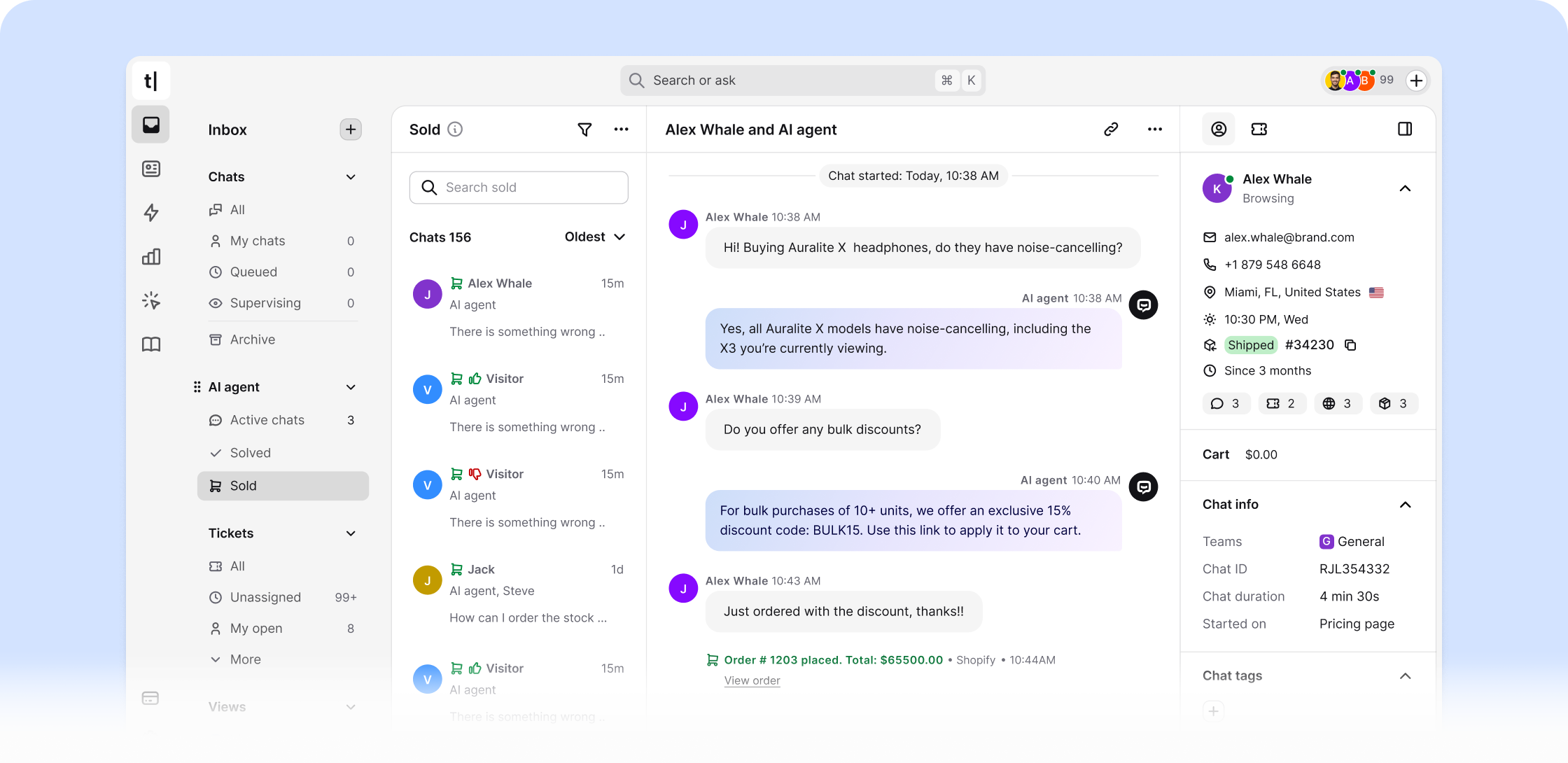
Your small business chatbot handles customer queries around the clock. It automates customer support with conversational AI, answers questions instantly, and drives customer satisfaction for your team.
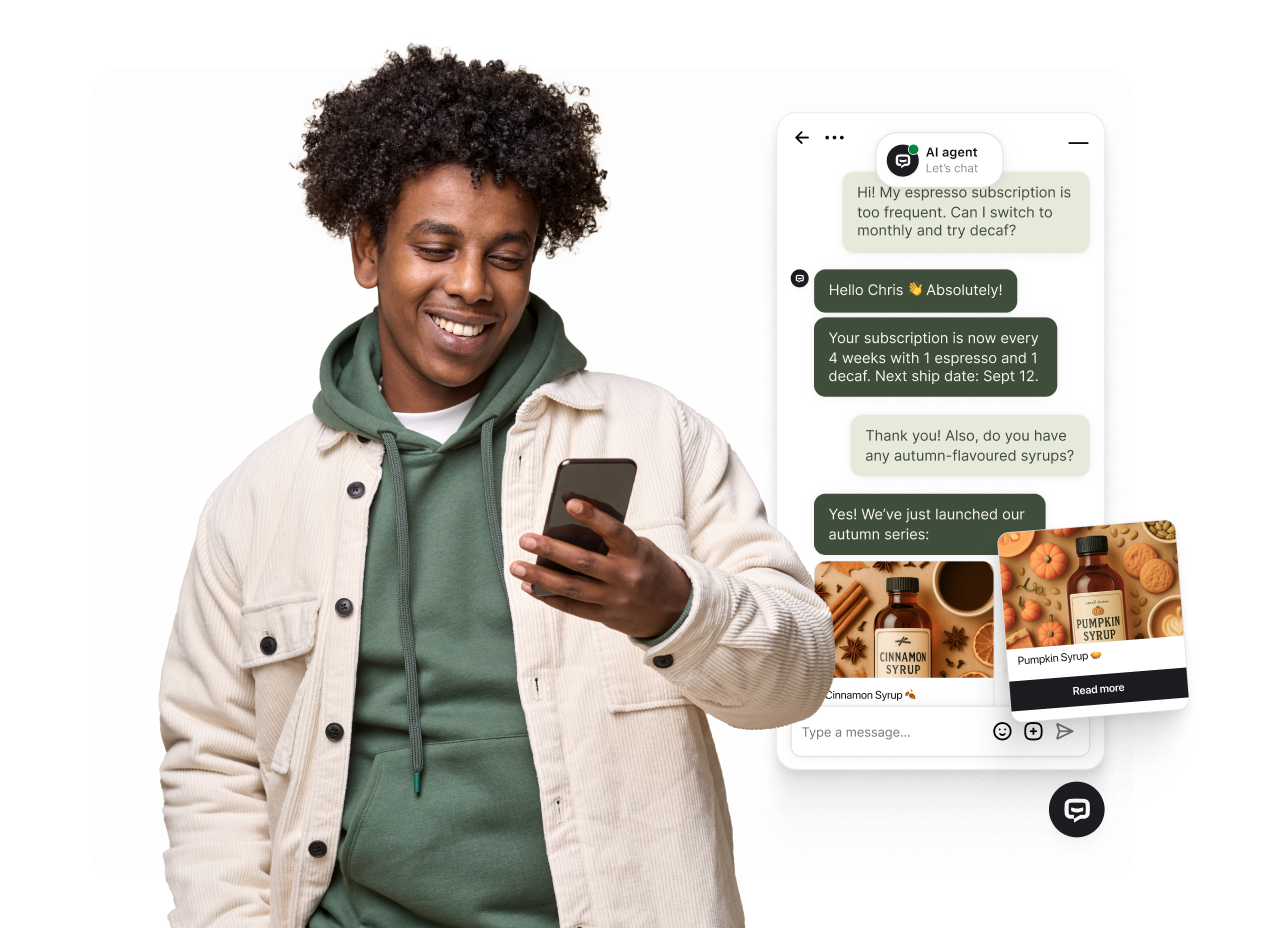
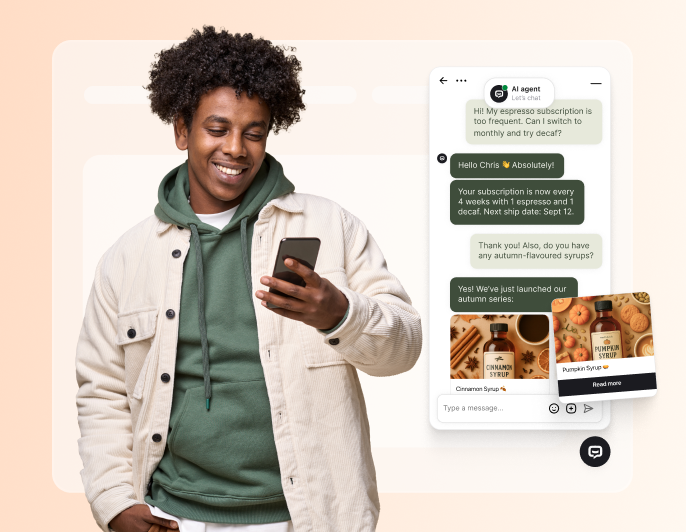
Customers get instant answers from your AI chatbot about products, pricing, and services. Exceptional customer service with no waiting on your support team.
Your AI agents automate customer interactions while your small business team focuses on growth.
The small business chatbot delivers reliable customer support 24/7, even outside business hours.
Your small business chatbot captures customer data and builds customer loyalty by helping prospects find answers fast.
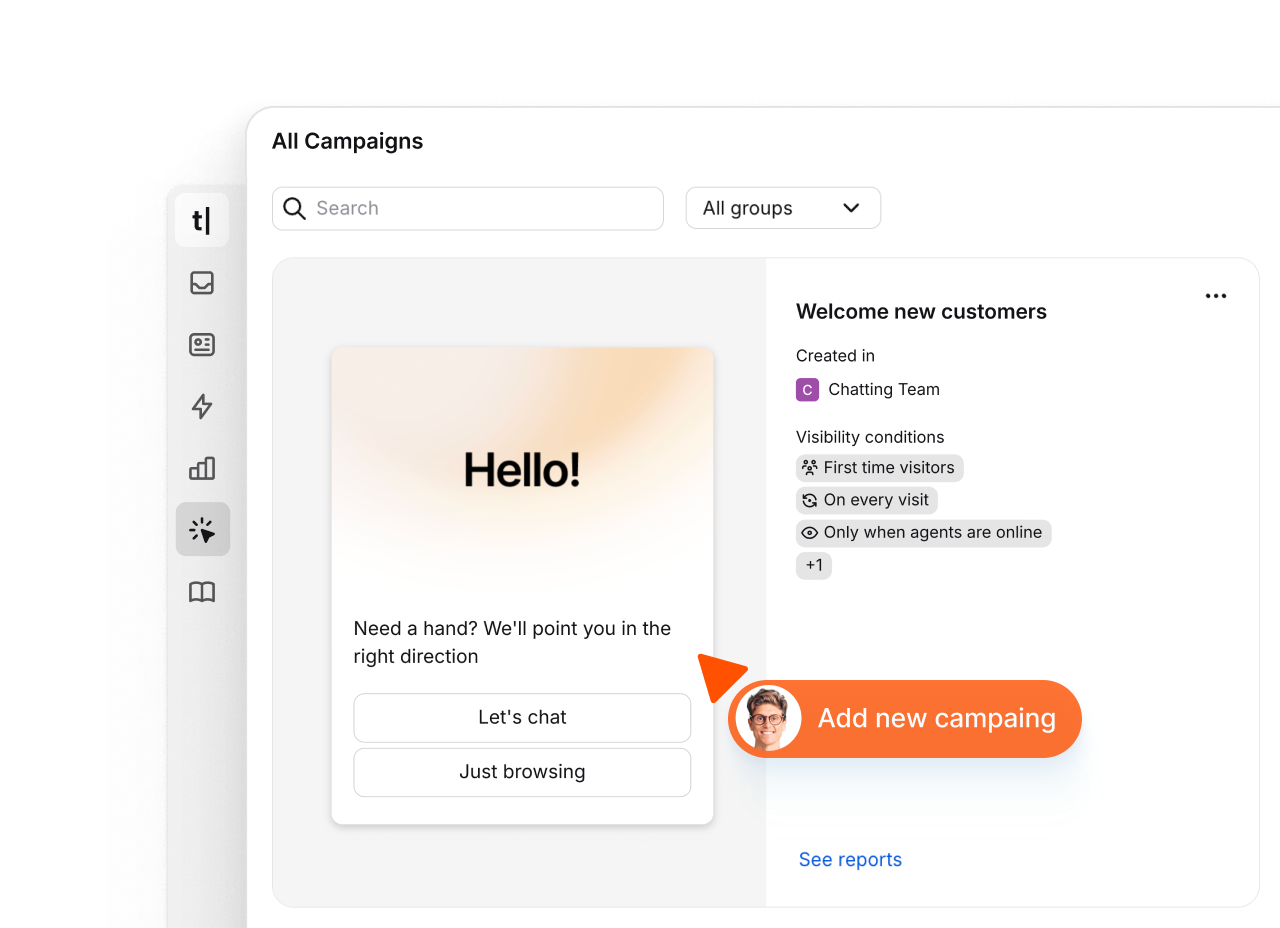
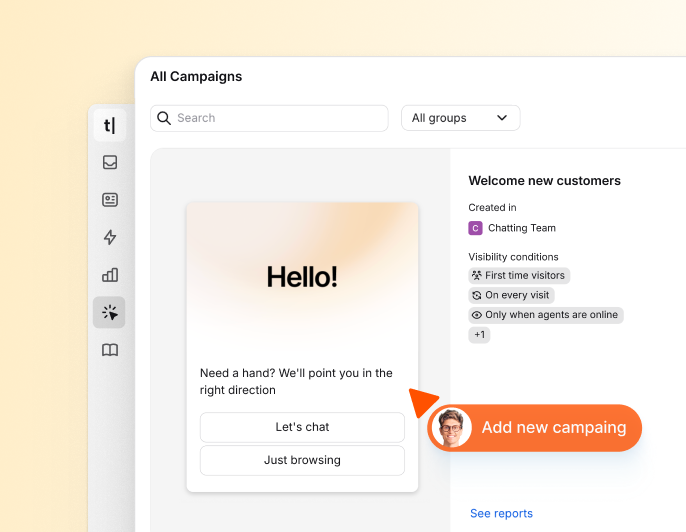
With campaigns, you proactively connect with website visitors - welcoming new customers, offering deals, capturing leads, and sharing updates across multiple channels.
An AI-powered ChatBot.com for small businesses cuts costs by automating customer support without coding skills.
Small business owners rely on conversational AI ChatBots to manage customer interactions, support workflows, and marketing tasks.

Free 14-day trial No credit card required

 AI-powered
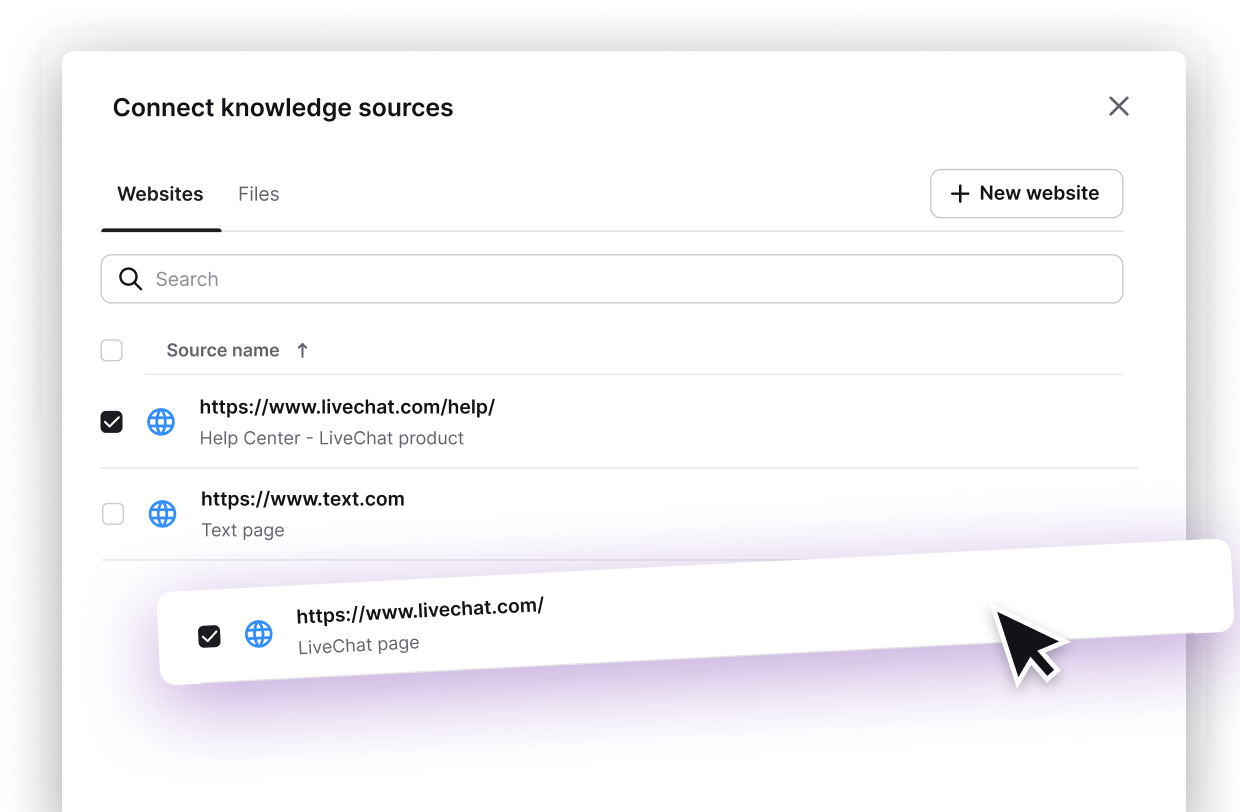
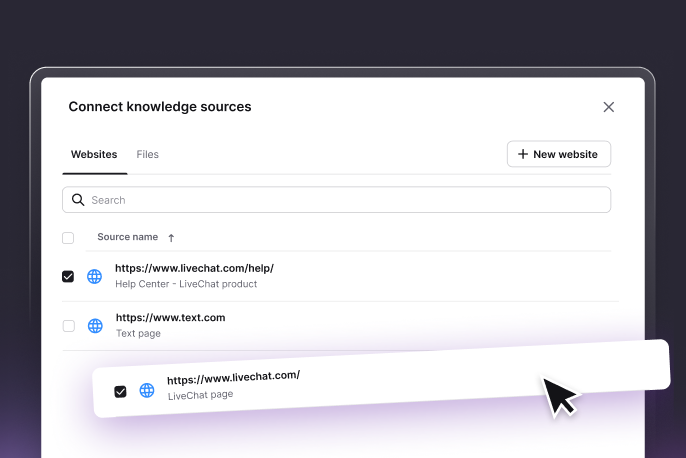
Train Text on your products, services, pricing, and policies. It delivers accurate, relevant responses to customer queries without requiring technical skills or ongoing maintenance from your team.

Determine which languages your AI agent is configured to respond in.

See how many customer queries your AI agent answered without intervention.
Control how your AI agent introduces itself, responds, and handles edge cases.
 Website
 Mail
Mail
 SMS
SMS
 WhatsApp
 Messenger
Text's ChatBot.com for small businesses connects to CRM, Facebook Messenger, messaging platforms, and essential tools your business uses.
Sign up freeText protects every conversation with enterprise-grade security - so your customer data stays safe as your business grows. Large-company infrastructure at small-business speed.
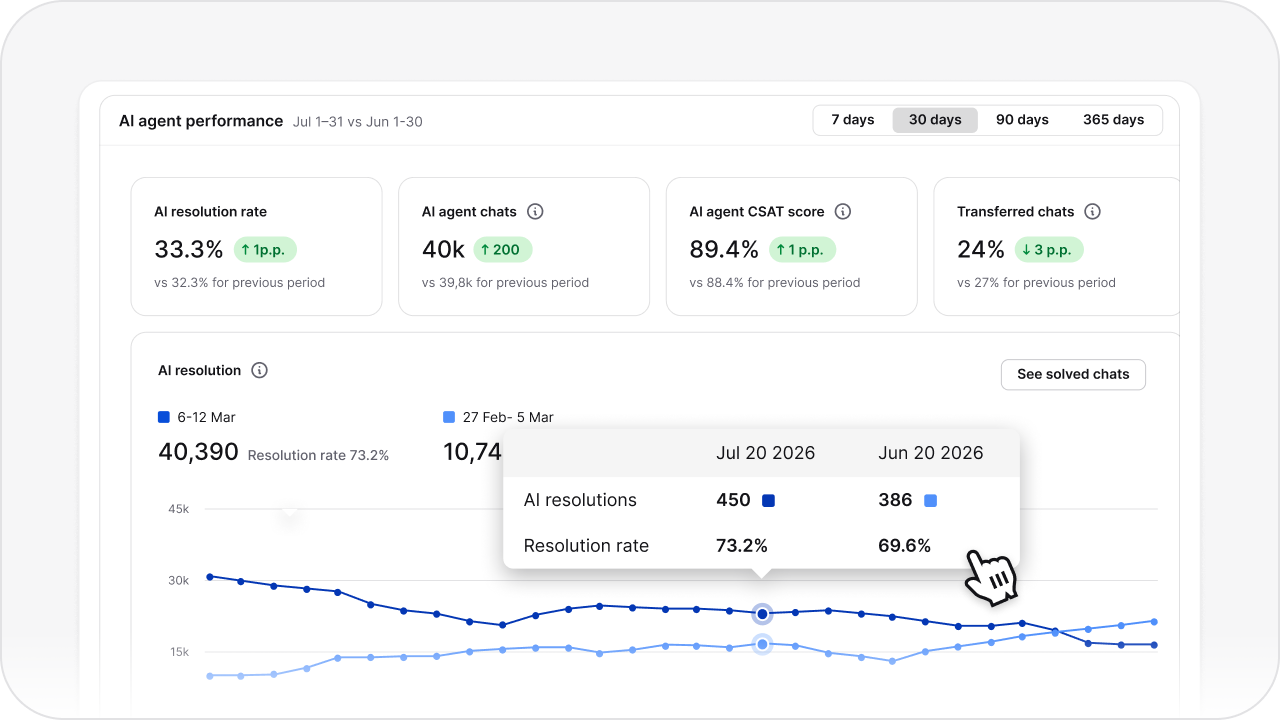
Track customer engagement, most common customer support queries, response times, and lead capture rates. Know exactly what your customers need - and deliver it faster.
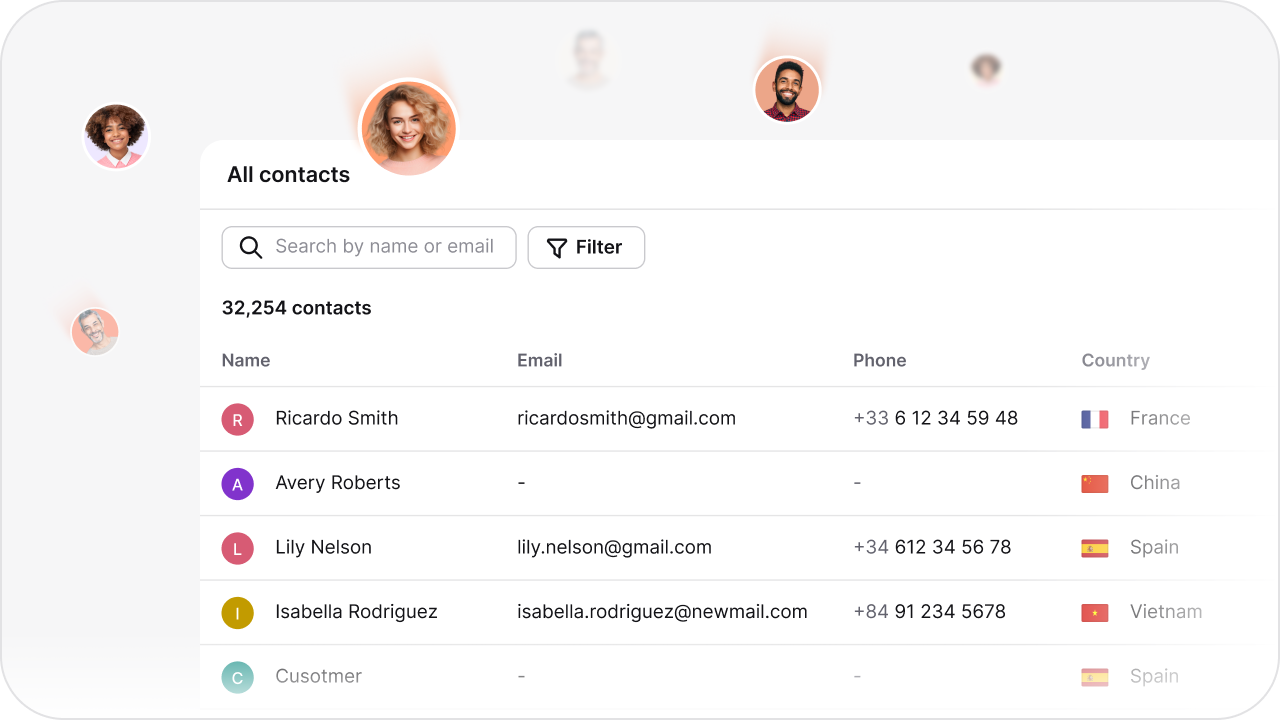
Understand customer preferences, behavior patterns, and frequently asked questions. Use real data to improve your customer support, product offerings, and growth strategy.

 4.4 rating
 4.6 rating
 4.5 rating
See how ChatBot.com helps teams in every industry automate conversations and deliver instant, 24/7 support.
An AI chatbot can answer recurring questions, collect lead details, and guide visitors through predefined support or sales paths. This gives a small team another way to handle routine conversations outside business hours. Results depend on the quality of the chatbot's knowledge, its workflows, website traffic, and the team's follow-up.
A small business can use a customer support chatbot outside normal service hours to answer questions covered by approved content and collect details for follow-up. Questions that require judgment, access to customer records, or a business decision should follow a defined human handoff path.
An AI sales agent can ask predefined qualification questions, collect contact details, and pass the answers to a sales workflow. This gives the team more context for follow-up, but it does not guarantee more conversions or replace the sales process.
A chatbot can improve access to support by answering routine questions consistently and collecting feedback or contact details when staff are unavailable. It does not guarantee higher satisfaction; the outcome depends on answer quality, clear escalation paths, and timely human follow-up.
Yes. Businesses can configure which supported languages the AI agent may use. Source content and common customer questions should be tested in every enabled language, with a clear escalation path for uncertain answers.
ChatBot.com currently offers a 14-day free trial without requiring a credit card. Small businesses should compare current plans, usage limits, and required integrations on the pricing page rather than assume a permanent free plan.
ChatBot.com offers native integrations and can exchange information through webhooks or automation services such as Zapier. Compatibility and available actions depend on the specific CRM, messaging channel, or business tool.
No coding is required to create a basic conversation in the AI Chatbot Builder or publish the standard website widget. Custom integrations, data transformations, or advanced webhooks may require technical help.
Businesses should review ChatBot.com's published security and privacy information, configure access controls, and limit the personal data collected in conversations. Each integration and use case should be assessed against the business's own legal and security requirements.
Start with a limited set of customer questions, add approved source content, define lead or support paths, and test the chatbot before publishing it. Setup time depends on the amount of content, the number of workflows, and any integrations the business needs.