
Automate your customer service.
Sign up free
 Solutions
Handle billing questions, cancellations, and plan changes on autopilot and minimize escalations.
Free 14-day trial No credit card required

35,000+ businesses worldwide trust Text for customer communication.














Your subscription chatbot handles customer queries around the clock. It automates account management, answers billing questions with AI agents, and saves your customer service team time.
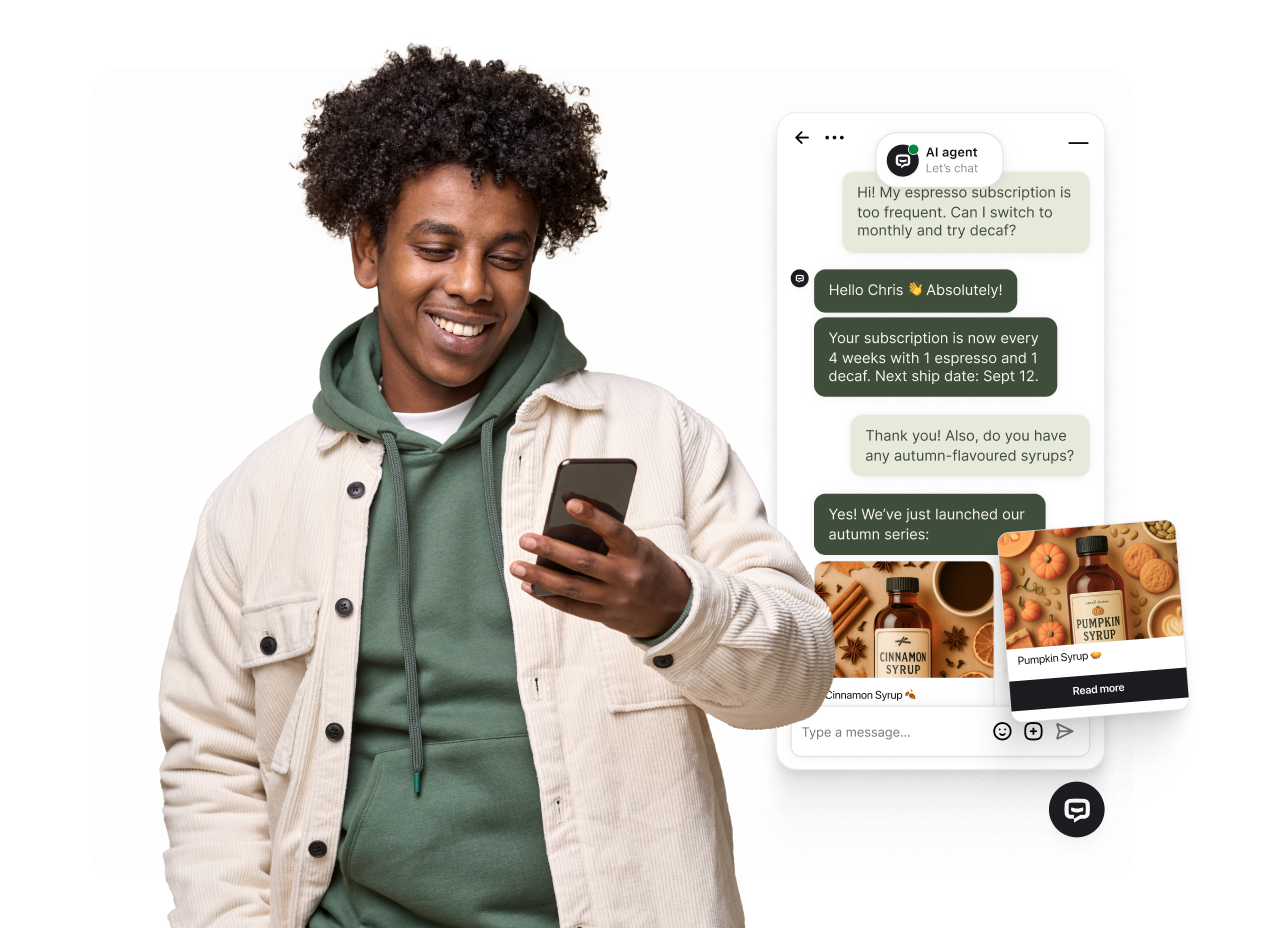
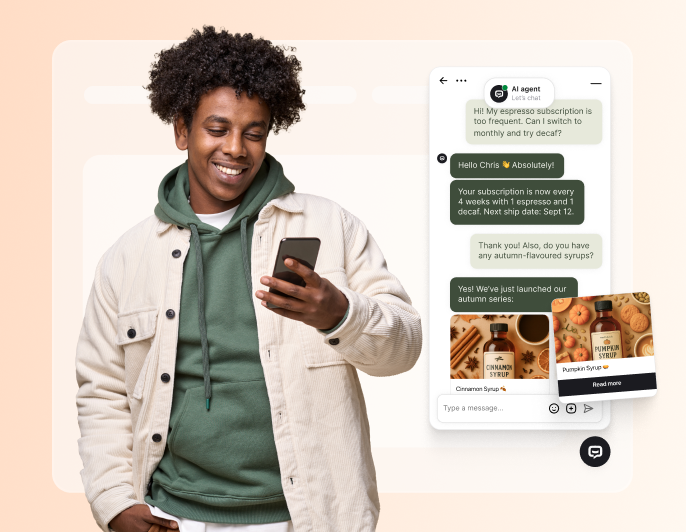
Subscribers get real-time assistance from your customer service chatbot about billing, plan options, and account access. No waiting on your support team.
Your AI agents analyze user behavior to handle subscription queries while your team focuses on reducing churn.
The subscription chatbot handles billing queries and account questions 24/7 with multilingual support.
Your subscription chatbot uses conversational AI to retain subscribers and help them find better plan options.
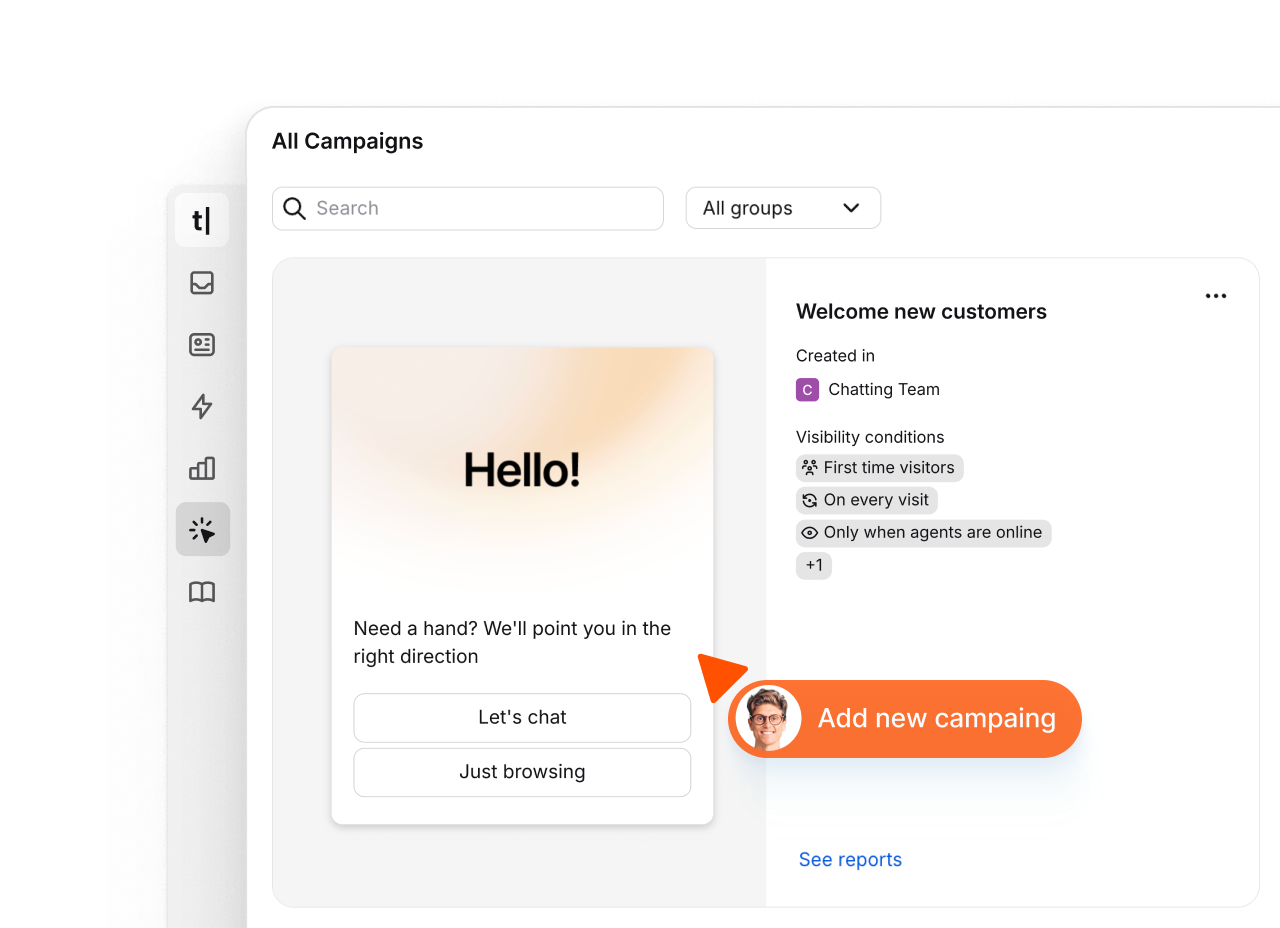
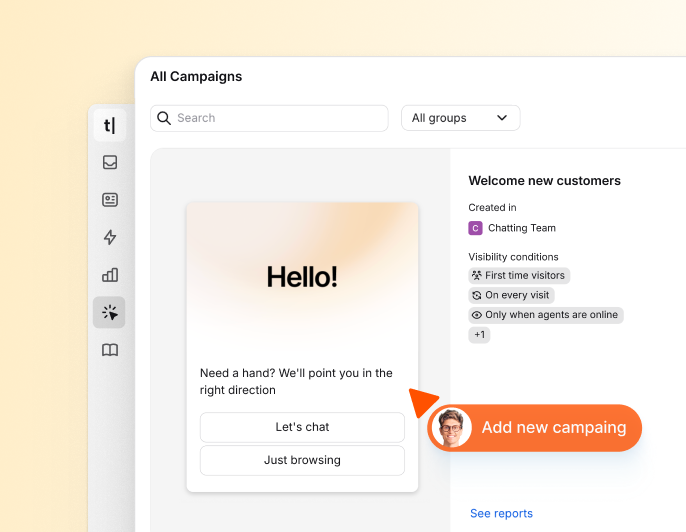
With campaigns, you can proactively connect with your subscribers - welcoming new signups, offering plan upgrades, capturing feedback, and announcing new features.
An AI-powered subscription chatbot reduces costs with multi-channel support and automated renewal management.
Subscription businesses use artificial intelligence and AI agents to manage customer data, renewals, and service workflows efficiently.

Free 14-day trial No credit card required

 AI-powered
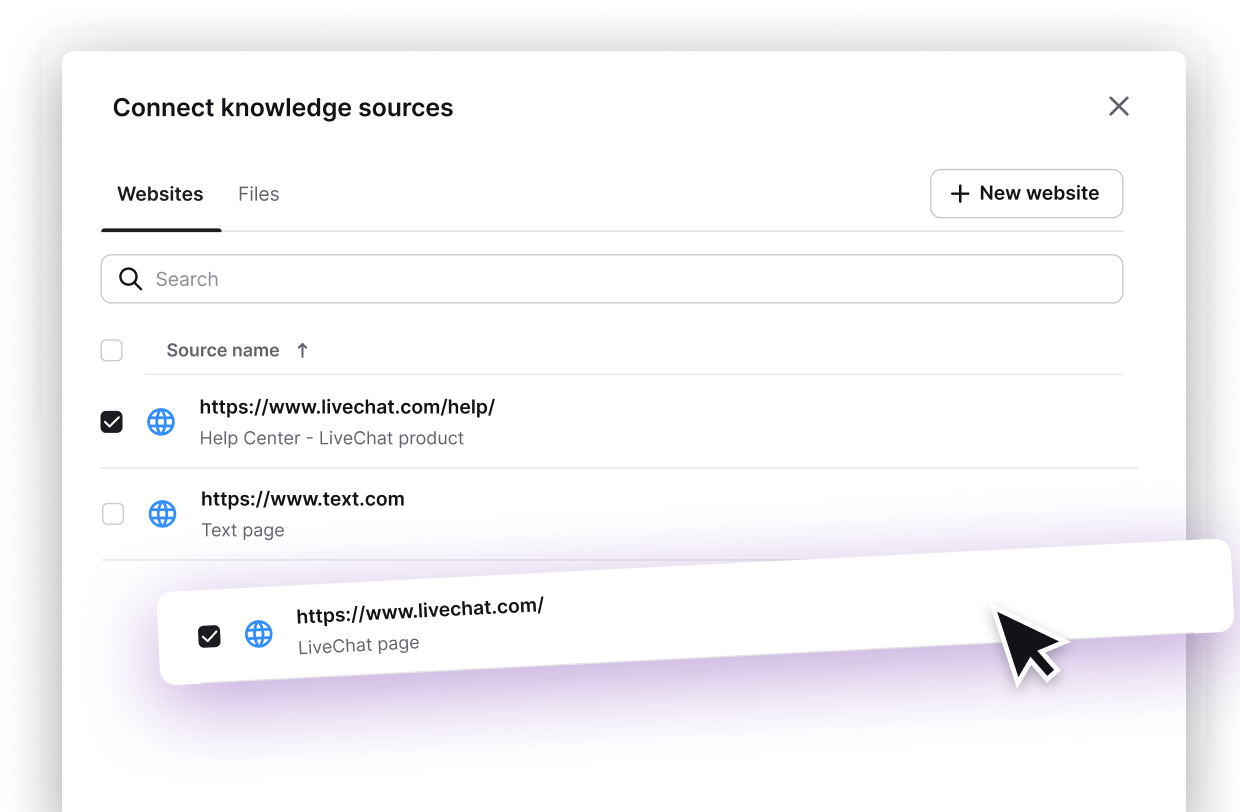
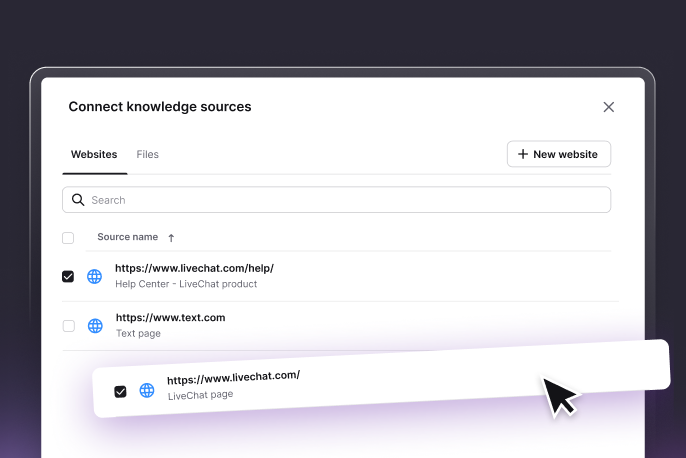
Train Text on your subscription tiers, feature sets, and billing terms. Subscribers get accurate, plan-specific answers instantly - not generic responses that increase churn risk.

Set which languages your AI agent uses to reply to incoming messages.

Count the conversations your AI agent resolved before a human was needed.
Configure exactly how your AI agent engages, what it covers, and what it skips.
 Website
 Mail
Mail
 SMS
SMS
 WhatsApp
 Messenger
Text's AI chatbot connects to CRM, billing tools, mobile apps, and content management systems.
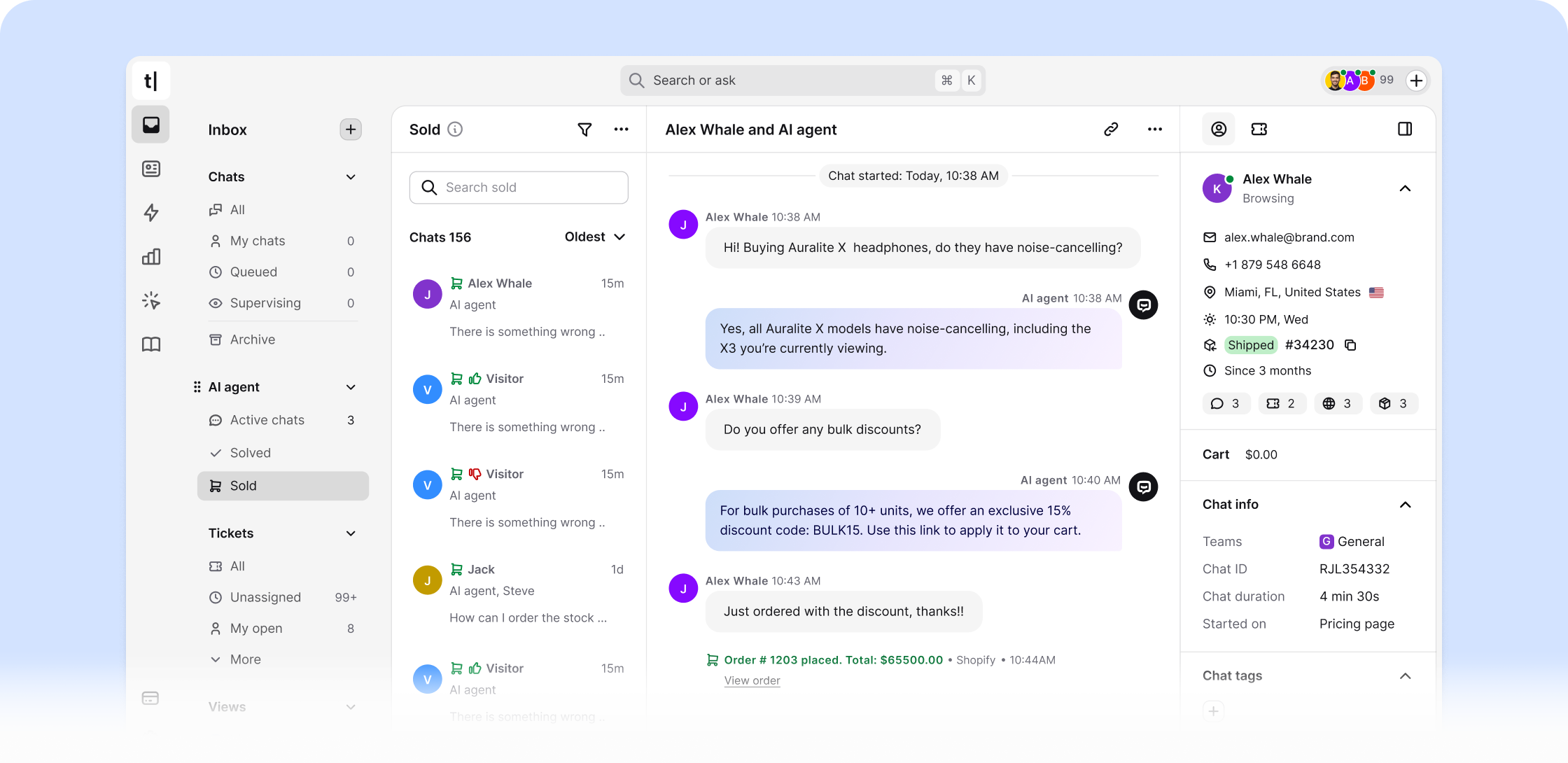
Sign up freeEvery support ticket and account query is a signal. Text surfaces subscription trends, churn indicators, and satisfaction patterns so you act before subscribers cancel.
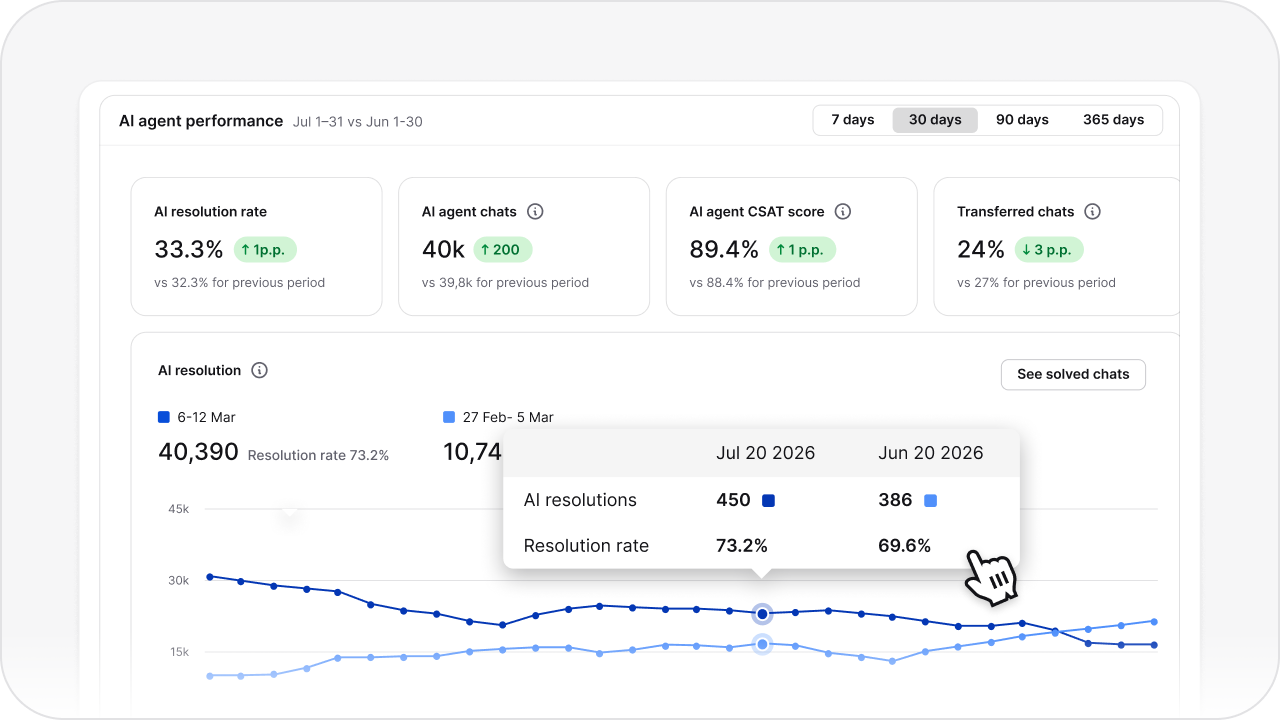
Track subscriber inquiry volumes, most common support topics, and self-service resolution rates. Know which subscription tier generates the most friction - and fix it before it drives churn.
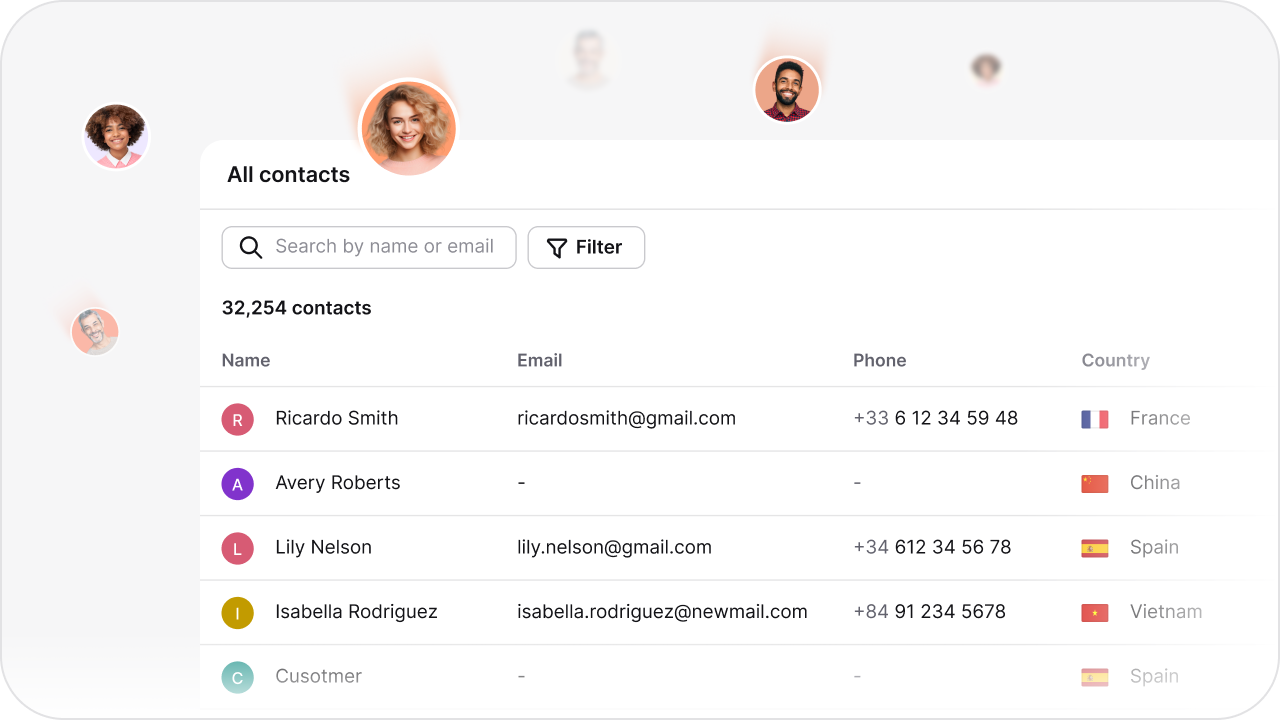
Understand what subscribers need at each stage of their journey - from onboarding to renewal. Use real subscriber data to improve communications and build loyalty that drives long-term retention.

 4.4 rating
 4.6 rating
 4.5 rating
See how ChatBot.com helps teams in every industry automate conversations and deliver instant, 24/7 support.
A customer service chatbot can answer routine questions about plans, billing policies, onboarding, and account processes using approved knowledge. It can collect details and route complex or sensitive requests to the support team. Changes to subscriptions, payments, refunds, and account records require an appropriate integration or human approval.
The chatbot can explain approved onboarding steps, link subscribers to relevant resources, and answer recurring questions. Plan-specific or account-specific guidance requires authorized customer data, and account changes must use the subscription system or a human-supported workflow.
A chatbot can shorten the wait for routine information and make support available outside normal service hours. It can also guide subscribers to the right process or team. Satisfaction is not guaranteed and depends on accurate content, clear escalation options, and how the business handles the request.
The chatbot can collect the customer's question and relevant details before routing the conversation. With a supported HelpDesk integration, that information can be used to create or update a ticket. Without such a connection, the team needs to handle the request through the configured handoff path.
ChatBot.com uses AI to generate conversational responses from the knowledge and instructions configured by the business. Model details and capabilities may change, so teams should evaluate answer quality against their own content instead of relying on a model label.
The chatbot can ask predefined questions about the visitor's needs, budget, or intended use and collect contact details with consent. It can pass those answers to an AI sales workflow, but the business remains responsible for evaluating fit and following up.
ChatBot.com supports knowledge-based answers, visual conversation flows, data collection, chatbot analytics, and integrations for handing conversations or information to other tools. Teams can also configure the languages an AI agent may use. Available channels and handoff behavior depend on the integrations selected by the business.
Compatibility depends on the subscription or billing platform. ChatBot.com can exchange data through supported integrations, webhooks, or automation services, but teams should verify available actions, permissions, and privacy requirements for each workflow.
Yes. Teams can configure which supported languages the AI agent may use. They should test plan, billing, and cancellation information in every enabled language and provide a handoff path when an answer needs confirmation.
Start with approved plan and policy content, define the questions the chatbot may answer, create a handoff path, and test common account scenarios. Setup time depends on the number of workflows, channels, and billing or CRM integrations required.