
Automate your customer service.
Sign up free
 Solutions
Text's chatbot helps accountants and bookkeeping teams automate tasks, track expenses, manage invoices, and serve clients faster.
Free 14-day trial No credit card required

More than 35,000 companies rely on Text for customer engagement.














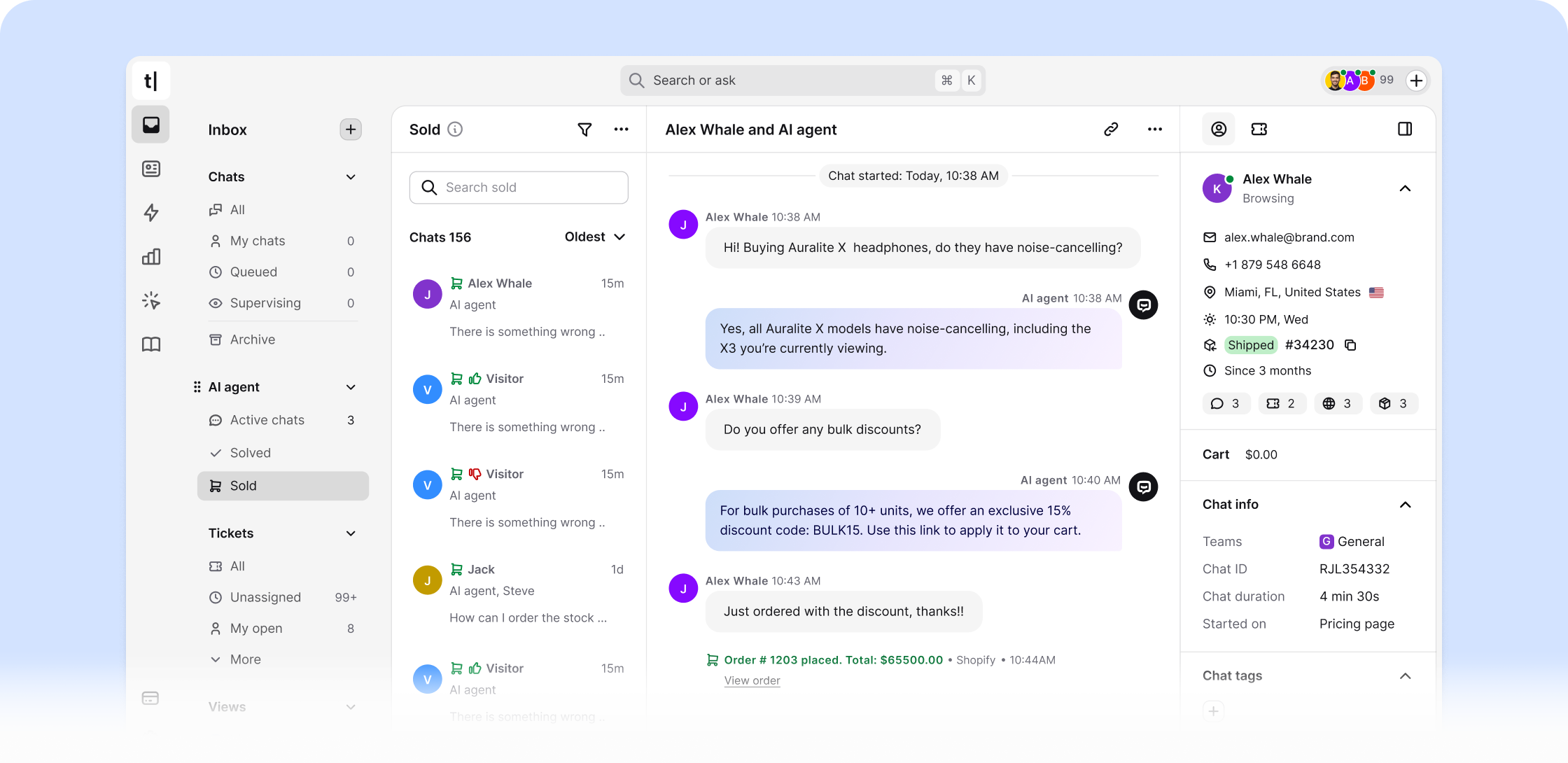
Your bookkeeping chatbot handles financial queries around the clock. It automates bookkeeping tasks, delivers real-time insights on expenses, and saves your accounting team time on manual data entry.
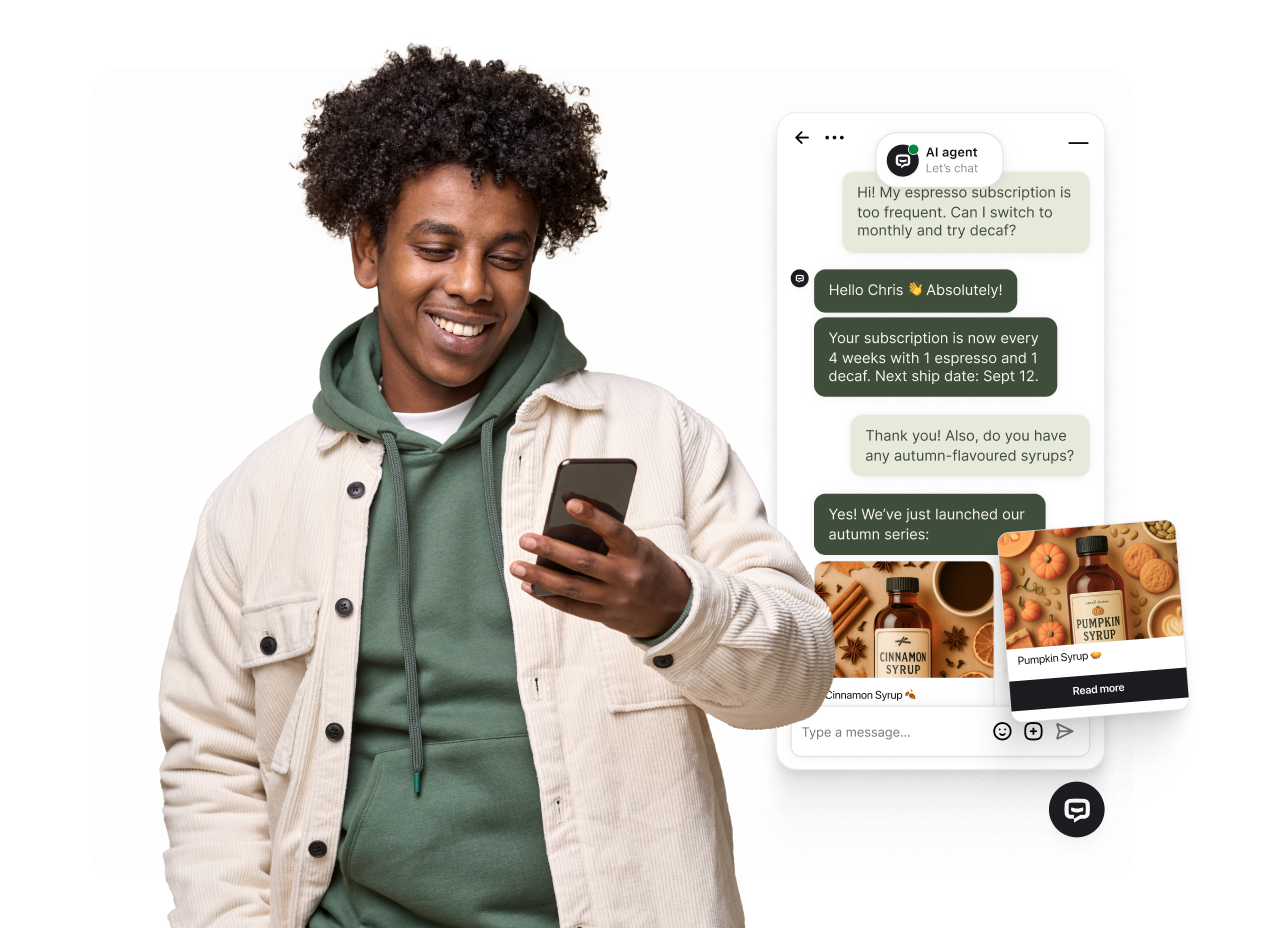
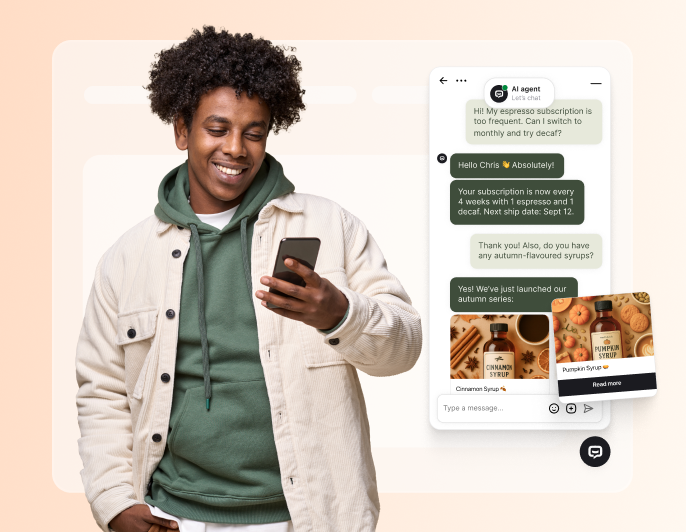
Clients get instant answers from your AI chatbot about expense tracking, account balances, and balance sheets. No waiting on your accounting team.
Your AI assistant handles financial management tasks while accounting firms focus on strategic financial decisions.
The bookkeeping chatbot delivers real-time insights on financial queries and expense questions 24/7.
Your bookkeeping chatbot guides clients through tax forms and financial compliance, helping them reach their financial goals faster.
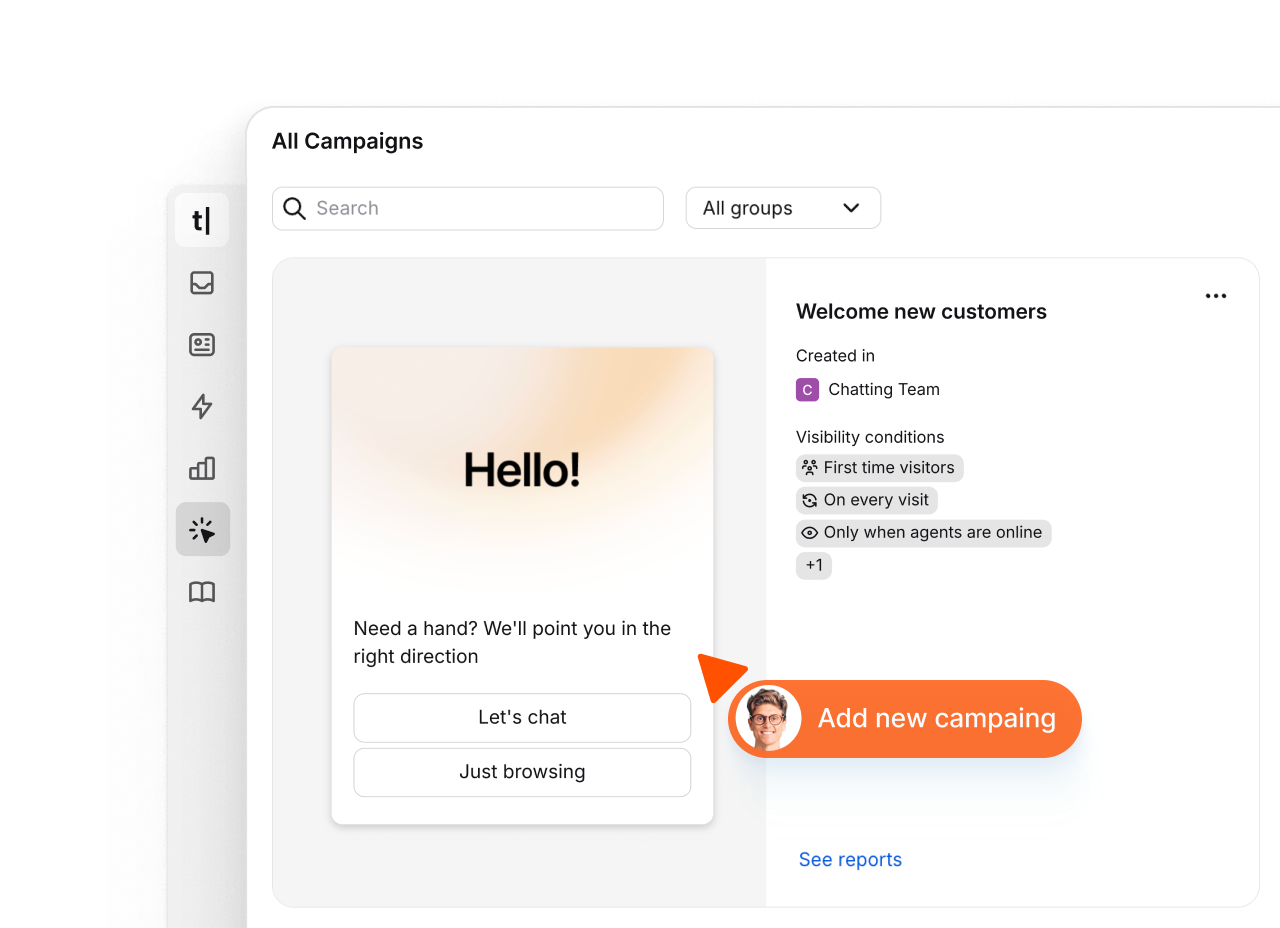
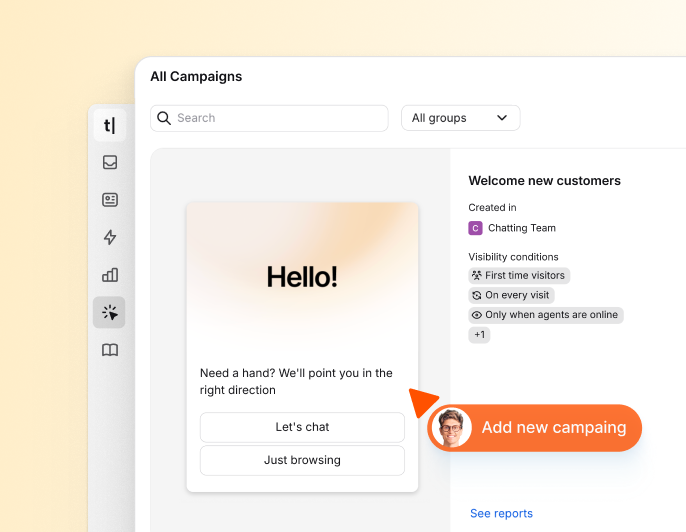
With campaigns, you can proactively connect with your clients - welcoming new small businesses, sharing bookkeeping tips, capturing leads, and announcing financial updates.
An AI-powered bookkeeping chatbot uses machine learning to cut costs by automating financial support and data entry.
Accounting firms use an AI assistant to manage financial data, ensure compliance, and run bookkeeping workflows more efficiently.

Free 14-day trial No credit card required

 AI-powered
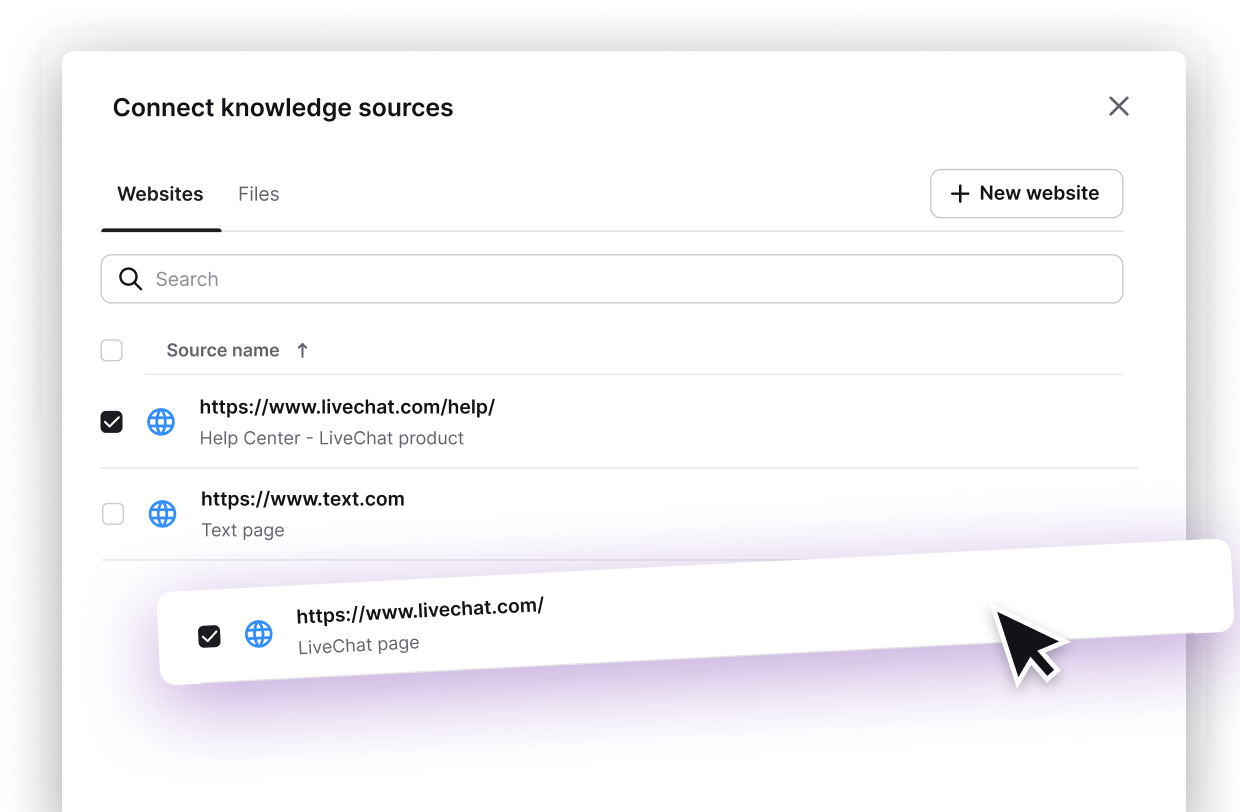
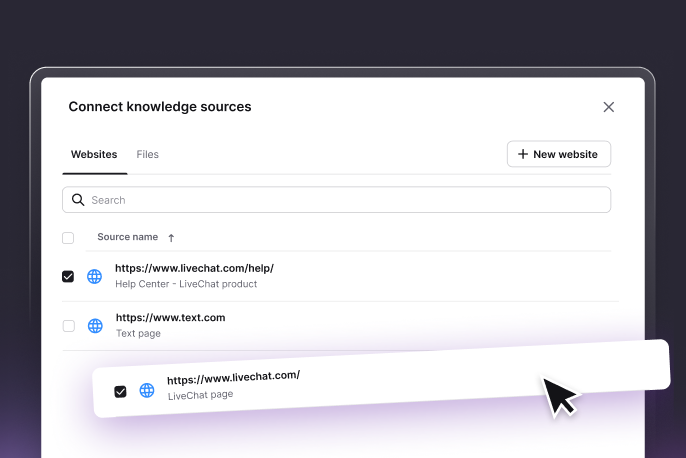
Train Text on your accounting workflows, service tiers, and client data. Clients and team members get accurate answers about their financial accounts - without pulling your accountants away from real work.

Configure which languages your AI agent uses across different customer segments.

See how many issues your AI agent solved without involving your team.

Specify your AI agent's role, adjust its tone, and set firm response boundaries.
 Website
 Mail
Mail
 SMS
SMS
 WhatsApp
 Messenger
Text's ChatBot.com for bookkeeping connects to QuickBooks, accounting tools, and software your accounting firm uses.
Sign up freeEvery expense inquiry, invoice question, and tax prep conversation is a signal. Text surfaces where clients need the most help - so accountants focus effort on the work that creates real financial value.
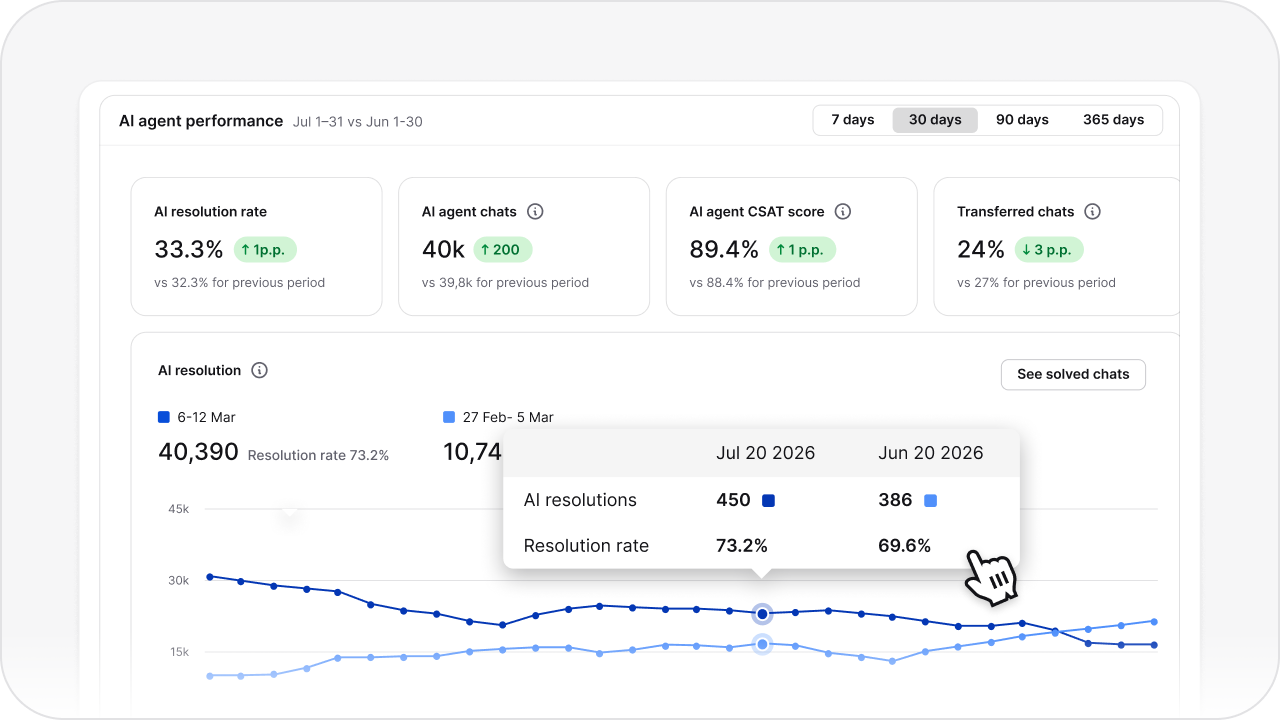
Track expense query volumes, invoice resolution rates, and client inquiry trends. Know which bookkeeping tasks take the most time - and automate them first.
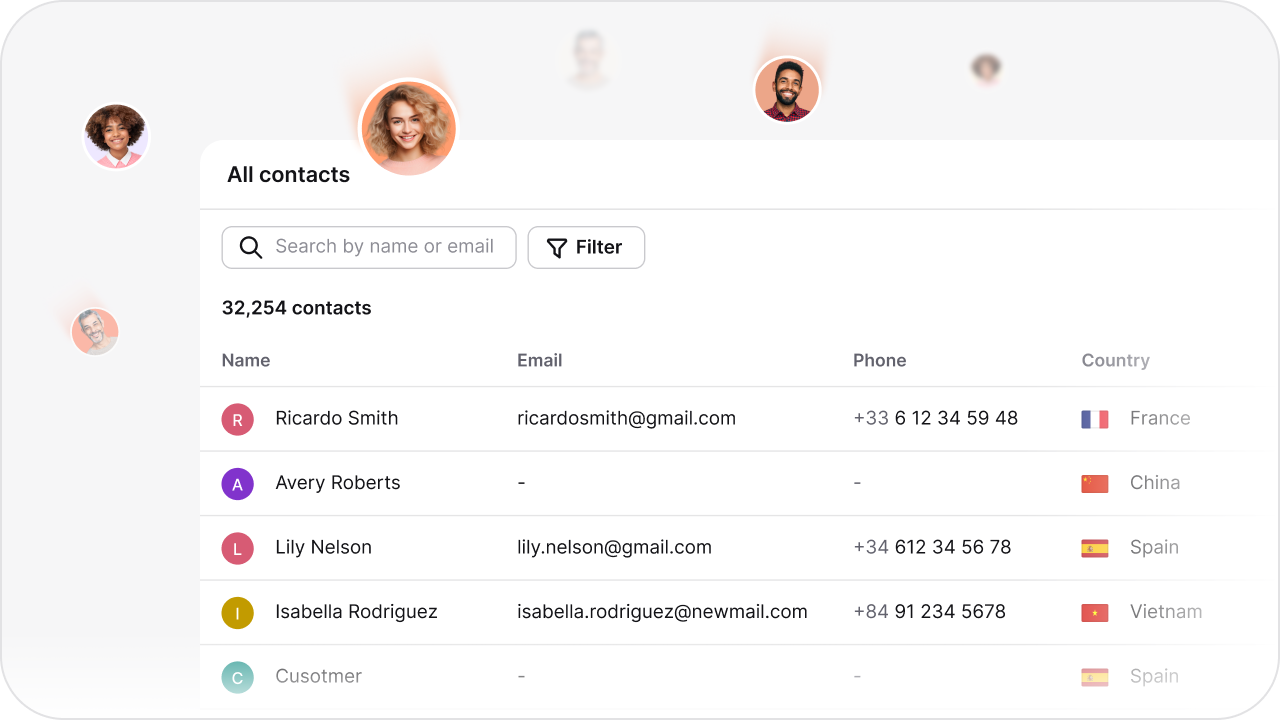
Understand what clients ask most about their finances - expenses, invoices, tax forms, and account balances. Use real client data to improve your service offering and strengthen client relationships.

 4.4 rating
 4.6 rating
 4.5 rating
See how ChatBot.com helps teams in every industry automate conversations and deliver instant, 24/7 support.
A bookkeeping chatbot can answer routine client questions from approved materials, collect the information needed for a request, and route it to the accounting team. It does not replace bookkeeping software or professional review. Updating ledgers, processing invoices, or retrieving account data requires a secure integration and a workflow configured in the AI Chatbot Builder.
The chatbot can answer approved questions about an invoicing process, collect information for the accounting team, or link a client to the correct payment resource. Creating invoices, checking payment status, and sending account-specific reminders require a connection to the business's invoicing system.
Do not assume a direct QuickBooks connection. Check the current integrations catalog for native support, or evaluate a webhook or automation service such as Zapier for the specific workflow. Any connection carrying financial data should be reviewed for permissions, security, and data retention.
Accounting firms should review ChatBot.com's published security information and Privacy Policy before using it with client data. Configure access controls, limit the information collected in chat, and assess every integration separately. Do not place sensitive financial records in a chatbot workflow unless the firm's security and compliance requirements are met.
A bookkeeping firm can use a chatbot to answer recurring process questions and collect the details needed for a client request. This may reduce repetitive communication, but accounting entries, reconciliation, reporting, and professional advice remain with the firm's staff and authorized systems.
ChatBot.com can collect expense or receipt details in a conversation and route them to the appropriate team through a defined customer support workflow. It does not categorize transactions, reconcile accounts, or calculate savings on its own. Those actions require accounting software, a secure integration, and professional review.
ChatBot.com does not prepare tax returns or determine whether an expense is deductible. It can share approved process information, collect a client's question, and route it to a qualified tax professional. Tax records and advice should remain in the firm's authorized systems and workflows.
A chatbot can make approved financial guidance and report explanations easier to find and can collect structured questions for an accountant. It should not make financial decisions or present unverified live account data. Businesses should base decisions on their accounting records and qualified professional advice.
The chatbot can explain an approved budgeting process or collect questions for an accountant. It does not track spending, flag overspending, or generate a budget on its own. Live calculations require data from accounting software and a workflow designed and reviewed by the business.
ChatBot.com does not generate accounting statements on its own. It can explain reports using approved knowledge or guide a client to the correct resource. Providing live balances, income statements, or expense summaries requires a secure connection to the business's accounting system.